
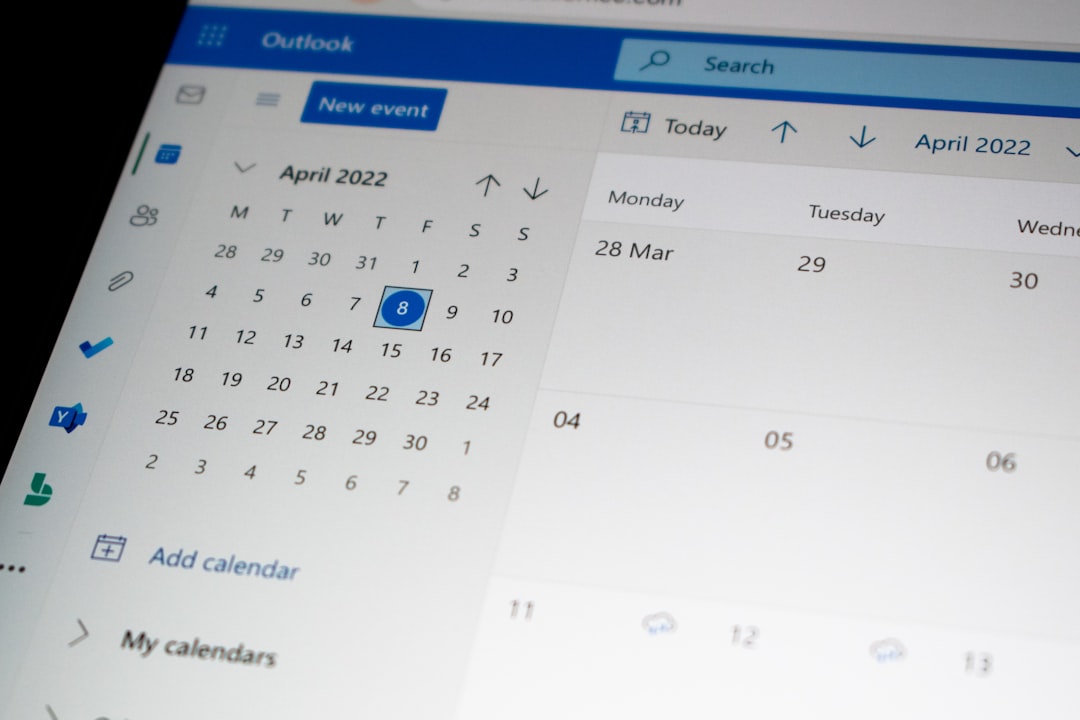
An online booking system often sounds like a simple build: calendar, form, confirmation, done. In reality, these projects can grow quickly because every edge case feels important from day one. Payments, coupons, multiple locations, cancellation rules, external calendar sync, SMS reminders, team panels, reporting, roles and exceptions. Many of these features may be useful, but they do not all belong in the MVP.
A good first version has one job: prove that users can select a service, choose a time slot, leave the right information and that the team can handle bookings without operational chaos. Once that flow works, it becomes much easier to decide which automation and advanced rules are actually worth building.
This article explains which features are really needed in the first version of an online booking system, what can usually wait, and how to avoid turning a straightforward product into an endless custom platform.
Start with the process, not the calendar
The most common mistake is designing the calendar screen before understanding the business process. Booking a consultation, reserving a room, scheduling a B2B discovery call and signing up for group classes may look similar in the interface. Under the surface, they differ in duration, capacity, availability rules, required data, cancellation logic, payments and ownership.
Before development starts, answer a few practical questions:
- what exactly is the user booking: a service, a person, a resource, a consultation or a seat,
- is the booking confirmed automatically or reviewed manually,
- does one booking block one resource or several at once,
- what happens when a user cancels or reschedules,
- which data is truly needed to handle the booking,
- who manages availability on the business side.
Without those answers, it is easy to build a calendar that looks good in a demo but does not match how the team actually works.
Core MVP features
The first version should include only what is necessary to complete the full booking flow: selection, submission, confirmation and internal handling.
1. Services or booking types
Users need to understand what they are booking. In most MVPs, a simple list of services with a name, short description, duration and optional price is enough. A large catalog with packages, variants and promotions can wait until the team has validated how customers choose.
2. Available time slots
This is the heart of the system. Availability must be accurate and easy to understand. In the first version, it is better to have simple rules that work reliably than advanced exception handling that creates double bookings. If the rules are complex, reduce the scope: one location, one service type, limited staff or a small set of resources.
3. Booking form
The form should collect only the information needed to handle the appointment or consultation. Every extra field increases drop-off risk. The usual minimum is name, contact details, selected time and optionally a short note. Additional data can be collected later if it proves necessary.
4. User confirmation
After booking, the user needs a clear confirmation: what was booked, when, where and what happens next. Email confirmation is often enough for an MVP. SMS, ICS files and deeper calendar integrations are useful, but not always required in the first release.
5. Admin panel
The team needs to see bookings, change statuses and fix mistakes manually. A good MVP admin panel does not need advanced reporting. It should allow filtering bookings, viewing contact details, cancelling a booking and adding notes. This is often more important than a polished user-facing interface.
What can usually wait
Some features sound professional but often delay launch without creating proportional value. Examples include:
- advanced roles and permissions for a very small team,
- multiple currencies, coupons and promotions before payments are validated,
- complex reporting before there is meaningful booking volume,
- full synchronization with several external calendars,
- automated waiting lists before demand is proven,
- multilingual support if the first market is local.
Postponing these features does not mean they are unimportant. It means they should not block the first release if the main goal is to validate the booking process.
Payments: now or later?
Online payments are a frequent decision point. If unpaid bookings cause many no-shows or the booking itself is a direct purchase, payments may belong in the MVP. If the business first needs to organize schedules and intake, payments can often wait.
There are usually three levels:
- no payment — booking acts as a request or confirmed appointment,
- deposit — the user confirms intent and reduces no-show risk,
- full payment — useful for fixed-price services, digital products or classes.
The key is to think about booking statuses from the beginning: pending, confirmed, paid, cancelled, completed. Even if payments are added later, the data model should be ready for them.
Calendar integrations
Google Calendar or Outlook sync is convenient, but it can complicate the product quickly. Two-way sync, conflicts, time zones and availability exceptions create many edge cases. In an MVP, a simpler model is often safer: the booking system is the source of truth and the team receives email notifications or event exports.
Full calendar synchronization is worth adding once the system has real traffic and the actual conflict patterns are clear.
Security and personal data
A booking system processes contact details and sometimes information about services, health, education or customer needs. Even an MVP should include the basics: HTTPS, restricted admin access, secure login, sensible data retention and a form that collects only what is needed.
Do not collect data you do not use. It reduces legal risk, simplifies the interface and makes the system easier to maintain.
How to measure whether the MVP works
After launch, do not look only at the number of bookings. Process metrics are more useful:
- how many users start and complete the booking flow,
- where people drop off,
- how many bookings require manual correction,
- how many cancellations or no-shows happen,
- how much admin time the team saves,
- how often scheduling conflicts occur.
These numbers show what to build next. Maybe payments are not the real issue and the form is simply too long. Maybe users do not understand the service names. Maybe the admin panel needs better filters. Without metrics, teams often keep adding features that do not solve the actual problem.
Summary
The first version of an online booking system should be simple but complete. It should let the user select a service and time, submit the right information, receive confirmation and give the team enough control to handle bookings without chaos. Everything else should come from real usage, not from a wish list created before launch.
The best MVP is not the smallest possible application. It is the smallest version that closes a real business process and gives the team useful data for the next decisions.